
Parking help centre
Booking help and parking support
Most airport parking problems are small: a QR code that will not scan, a boom gate that will not lift, a flight that lands late. Sort it before you travel where you can.
Flight details
Have flight numbers and times ready. A late return can tip long-stay pricing into another day.
Terminal choice
T123 and T4 are separate car parks with separate entries. Pick the one that matches your airline.
Entry and exit
Set entry and exit dates and times before you start. The booking for melbourne airport parking takes a couple of minutes.
Booking online: what you will need
To book parking online you need your flight details, your terminal, and your entry and exit dates and times. Times matter because airport parking works around your actual drive-out, and a late return changes the stay. Have all three in front of you before you start.
QR code arrives with confirmation
No paper ticket, no payment machine on return.
Hold code to the scanner, twice
Gate reads the booking and lifts. Try a slight angle change if it misses first time.
Why book rather than drive up
Your space is tied to your times when you book parking melbourne airport ahead.
How QR code entry works
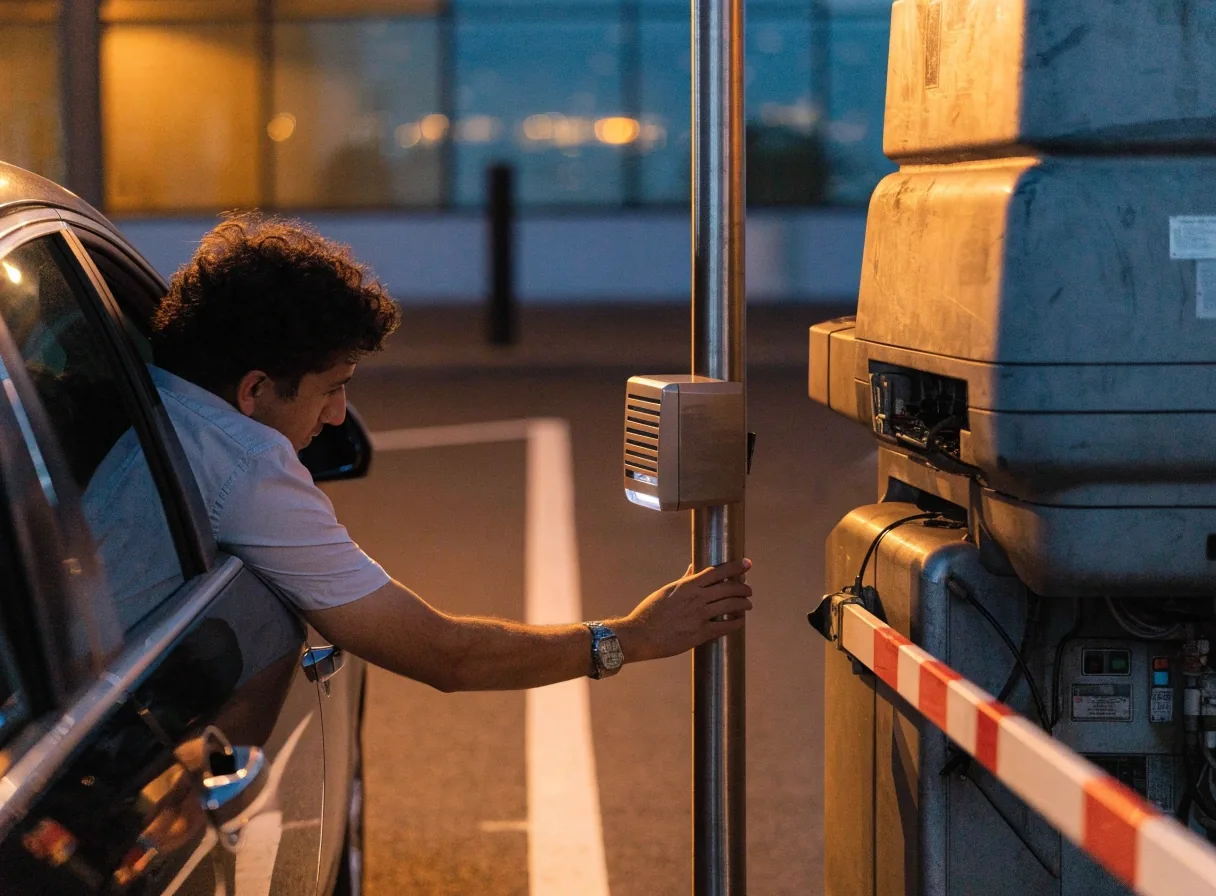
When you book, your confirmation includes a QR code. At the boom gate, hold it to the scanner on the way in and again on the way out. If the scanner does not read first time, try again at a slightly different angle before calling for help on the intercom.
Margin notes
Grace covers the small overrun
Intercom before reversing
Call before you exit
Read the Wait Zone rulesWhat a grace period covers
A grace period is the buffer between your booked exit time and the moment you actually drive out. Flights land late, baggage takes longer than expected, and the walk from the terminal to the car park is not instant. The grace period exists for exactly that gap. If you think you will run past it, contact the parking team before you exit rather than explaining at the barrier.
If the boom gate will not open
Check the obvious first: is the QR code the one from your current booking, and is your booking actually for today? Many gate stops come down to an old confirmation or the wrong car park entry. If the code is right and the gate still will not lift, use the intercom at the barrier. Staff can check your booking and raise the gate.
Do not reverse out into traffic; the exit lanes are not the place for a three-point turn. Stay in the lane, keep hazard lights on if you are holding traffic, and tell staff which car park and lane you are in so they find you fast.
Changing or cancelling a booking
Plans move. If your dates change, amend the booking rather than letting it lapse and re-booking at a higher rate. The Parking Help Centre handles amendments and cancellations, and the earlier you call, the more options you have, especially in peak periods when Value South and the terminal car parks both fill. Have your booking reference ready when you contact them.
Before you call
What to have ready when you call
Your booking reference, your registration number, and your entry and exit times. If the issue is at the barrier, tell them which car park and which lane you are in. If the issue is a delayed flight, give them the new arrival time. Staff can see bookings on their side, but having the details to hand speeds everything up and avoids a call back.
- Booking reference from your confirmation email
- Registration number of the car at the barrier
- Booked entry and exit times plus new arrival time if delayed
Parking Help Centre
Reaching a person
The airport Parking Help Centre lists a customer service phone number for parking support, and a contact form for booking or car park enquiries. The form suits detailed questions where you want to explain a situation. The phone suits anything happening right now, like a gate that will not open.
How to choose
Use the form before travel
Date changes, terminal questions, and anything where you want to attach details.
Call on the day
Gate faults, a booking that is not showing, or an overrun past the grace period.
Visit details
Level 2, Terminal 2, Departure Drive, Melbourne Airport, VIC 3045. Open 24 hours, phone +61 3 9297 1600.
Quick answers
The four questions the Help Centre hears most about airport parking: scans, overruns, date changes, and who to call.
My QR code will not scan at the boom gate. What now?
Try the scanner again at a slightly different angle, and confirm you are using the code from your current booking. If it still fails, press the intercom at the barrier and staff will check your booking and raise the gate.
What happens if I stay past my booked exit time?
A grace period covers small overruns, which is useful when a flight lands late. If you expect a longer delay, contact the parking team before you exit so they can adjust your booking.
Can I change my booking dates?
Yes. The Parking Help Centre handles amendments and cancellations. Call or use the contact form with your booking reference, and do it as early as you can, particularly in school holidays and the December peak.
Who do I contact about a parking booking?
The airport Parking Help Centre. It lists a customer service phone number for parking support and a contact form for booking or car park enquiries. Phone suits problems happening now; the form suits questions ahead of travel.